
aCommerce Tracking
About aCommerce
aCommerce Tracking
Enter your tracking number to get real-time updates on your parcel
How to Track aCommerce with Post Tracking
Checking your shipment status is quick. Here is how:
Enter your aCommerce tracking number in the form above this article
Click the Track button
View the live shipment result instantly with all updates
This method gives you fast and clear information without extra steps.
How to Track aCommerce on the Official Website
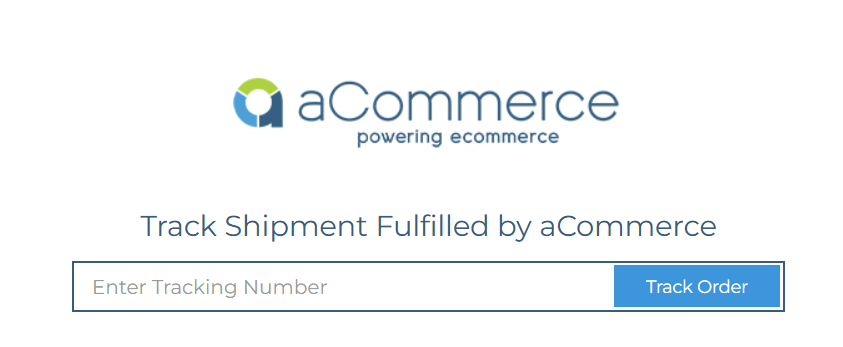
You can also track directly on their platform. Follow these steps:
Visit the official tracking page at tracking.acommerce.asia.
Enter your tracking number in the search bar
Submit to see the current status and full history
The system shows updates from their partner couriers as the parcel moves forward.
Tracking Number Format
aCommerce tracking numbers are usually provided by the merchant or in your order confirmation. They often consist of numbers and letters.
A sample tracking number might look like a combination of digits and characters specific to their fulfillment system. Always use the exact number sent to you for accurate results.
Delivery Times
Delivery speed depends on your location and the shipping method. Standard shipping usually takes:
3 to 5 working days for metro areas
5 to 10 working days for areas outside metro cities
aCommerce partners with local logistics companies to cover wide areas in Southeast Asia. Actual times can vary due to holidays, weather, or high order volumes.
Shipment Status Meanings
Here are common statuses and what they mean:
Order Received — Your order has reached the aCommerce system for processing
Ready to Ship — Package is prepared at the shipping hub and assigned to a courier
In Transit — The parcel has been picked up and is moving toward the destination
Completed — Package successfully delivered to the receiver
Failed to Deliver — Delivery attempt failed, often because no one was home
Canceled or Rejected — Shipment was stopped or refused by the receiver
These updates help you know exactly where your order stands.
Common Tracking Problems and Solutions
Sometimes the status does not change for a while. Common reasons include:
Working with third-party couriers that only update at key milestones
Recent pickup with scans still processing
High volume periods or weekends
Distance to remote areas
Your package often continues moving even if updates are delayed. If it exceeds the expected delivery window, contact support.
What to Do If Delivery Fails
If the courier cannot reach you, they usually try the next day again. They may call first to arrange a safe drop-off spot. For canceled or rejected shipments, contact the original seller or merchant to resolve the issue.
Customer Service Contact
For questions about your order or delivery problems, reach out to aCommerce support. Contact details vary by country:
Thailand: +66 2106 8250-3 or [email protected]
Indonesia: +62 21 5095 8328 or [email protected]
Philippines: [email protected]
Support operates Monday to Friday, 9 AM to 6 PM local time, except on public holidays.
Tracking your aCommerce shipment helps you stay prepared and reduces worry. Whether your order is coming from a local seller or regional shop, real-time updates make shopping more convenient. Enter your tracking number above now to check the latest status. Reliable fulfillment across Southeast Asia.